
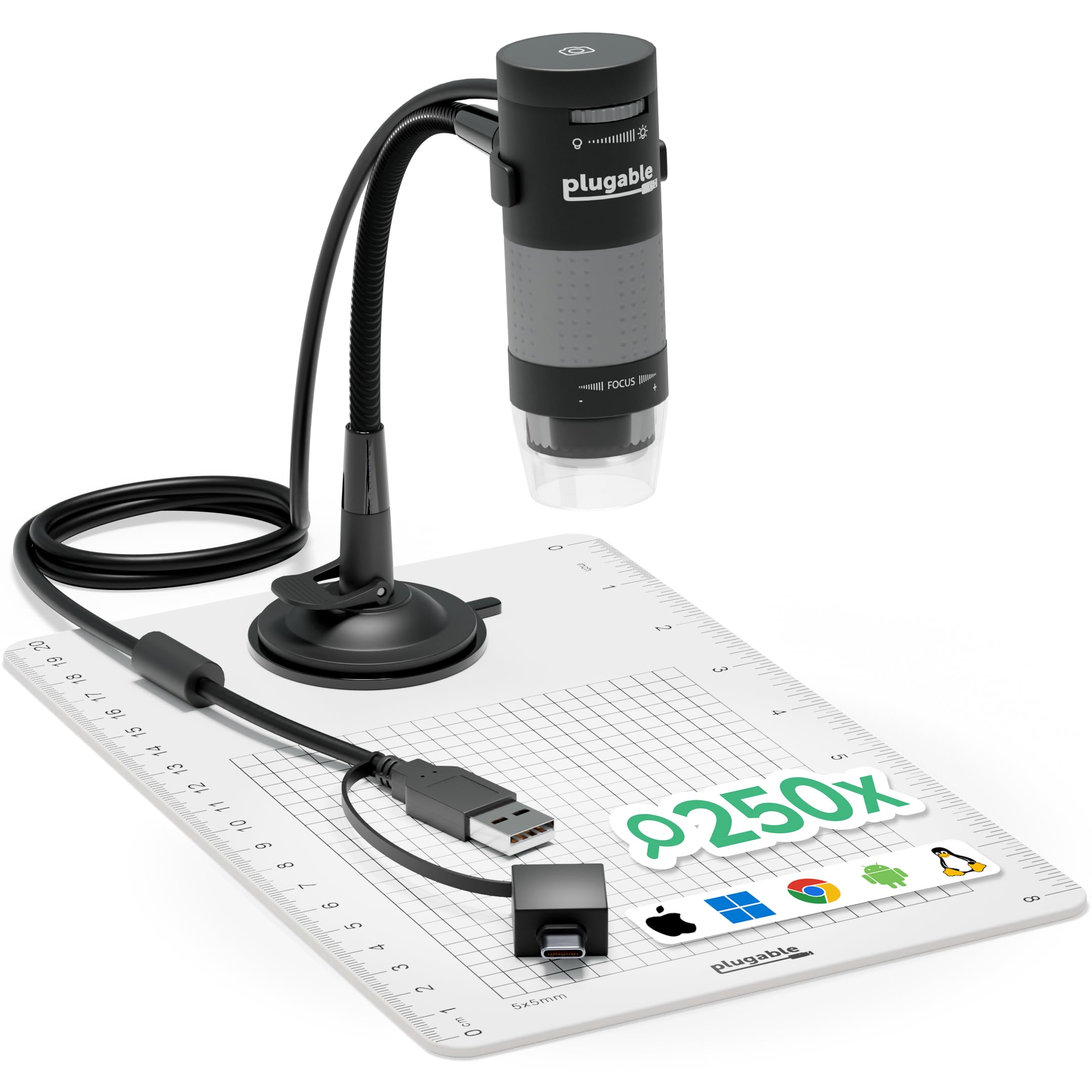


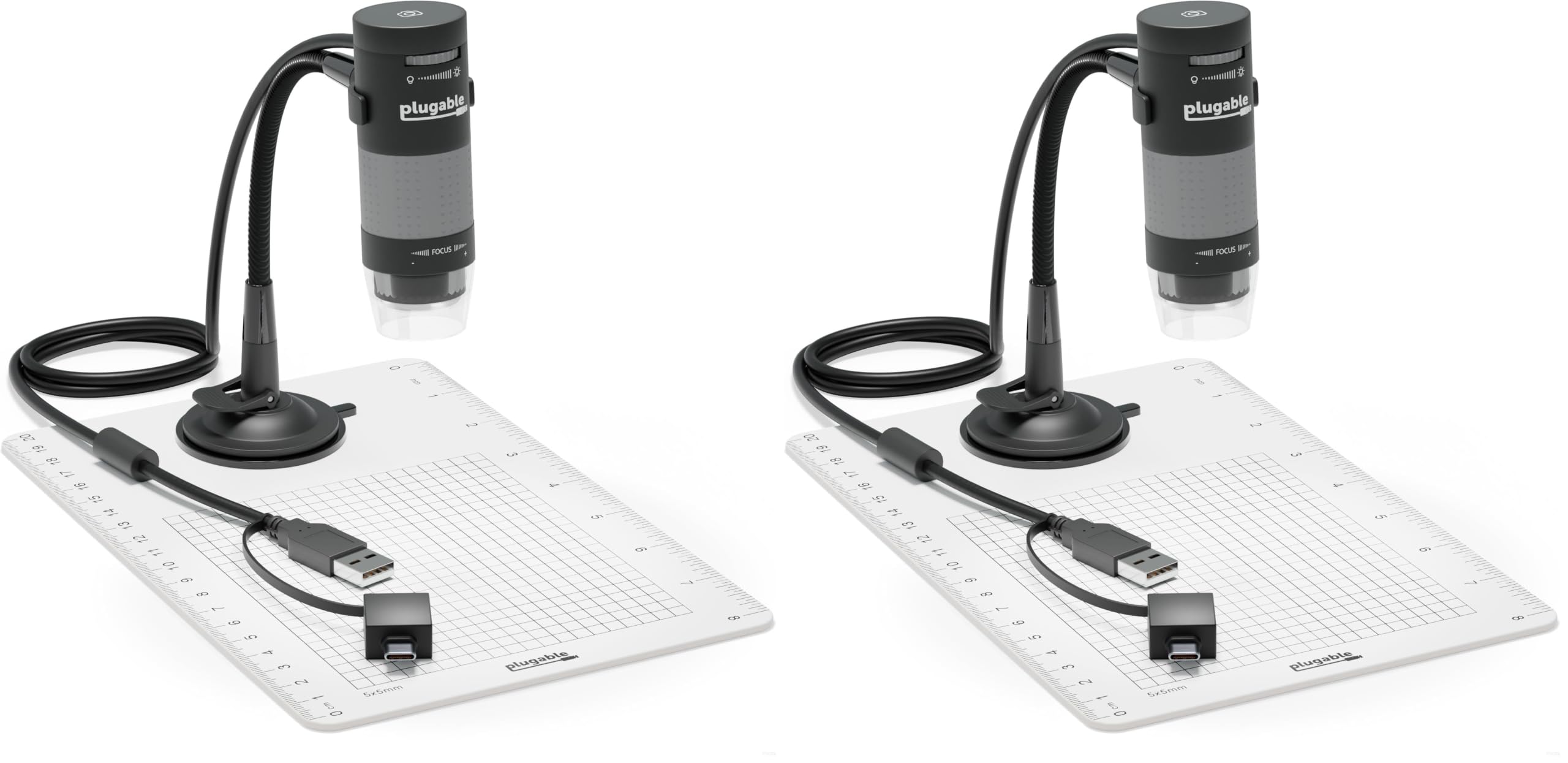
Plugable USB Digital Microscope 250x, 2MP Micro Camera, Flexible Arm Stand
12 sold in last 24 hours
- Hobby Focused: Useful and fun for educators, collectors, testers, and anyone interested in exploring the microscopic world. Use as an electronics microscope, soldering microscope, USB coin microscope and more.
- Perfect for Grab and Go Examination: Use with a laptop or tablet, or focused sessions with a desktop. Included flexible arm stand and observation pad can be used for measurement, or use as a handheld microscope.
- Broad Compatibility: our USB microscope uses a webcam chipset and sensor to support nearly any operating system using standard webcam software. Includes connectors for USB and USB-C/Thunderbolt ports for seamless connectivity. ChromeOS 108 or above is required.
- High Definition Microscope With Built-in Lighting: 2.0 Megapixels, 60x to 250x magnification. LED halo light with brightness control. Features 7000K color temperature, 0-38 lumens for optimal light and clarity.
- Lifetime Support: This device has been designed with reliability at its core and was built to meet the deployment demands of IT departments and the ease of use necessary for home offices. Includes lifetime support from our North American team of connectivity experts.
Tags |
Estimated shipping
Select a product to estimate shipping.The Plugable 250x USB 2.0 Digital Microscope (USB2-MICRO-250X) is a versatile and easy-to-use tool for hobbyists, collectors, and professionals who want to take a closer look at the world around them. Perfect for examining coins, stamps, plants, circuit boards, jewelry, and other small objects, it makes close-up observation engaging and straightforward.
Use the included stand for steady viewing, hold it in your hand for quick spot checks, or place it directly on a surface for maximum magnification. The durable body and lightweight design make it ideal for use at home, in the workshop, or out in the field.
Pack the microscope with your gear for your next project or exploration. Whether you’re studying intricate craftsmanship, checking fine details in electronics, or observing natural textures and materials, this compact microscope turns curiosity into discovery wherever you go.
Windows: USB Video Class (UVC) support is built in to all versions of Windows from XP and above (11, 10, 8.x, 7, Vista, XP). USB microscope camera software is available on our website that allows finer control microscope, and other video capture software can be used
macOS: Mac computers with OS versions 10.5.x and above have built-in support for USB Video Class (UVC) devices. USB microscope camera software is available on our website that allows finer control microscope, and other video capture software can be used
Chrome: Works on all Chrome OS devices with the built-in Camera application
iPadOS: USB C Equipped iPads running iPadOS 17.x are compatible. Third Party Application Required
Android: Compatible with well known USB C equipped Android devices. Third Party Application Required. Check with Android manufacturer for official information on support for external cameras
Linux: Linux distributions with kernels 2.6.26 and above have built-in support for USB Video Class (UVC) devices. Works on Raspberry Pi OS. We recommend using Cheese, or GTK+ UVC Viewer
Not Compatible: iPhones are not compatible with external cameras and cannot use our USB Microscopes
Tech Specs
What devices does this microscope work with?
The USB2-MICRO-250X is designed to work with Windows, macOS, ChromeOS, Linux, and Android using compatible camera software. It can also work with USB-C iPads running iPadOS 17 or later when used with a compatible camera app.
Can I use this microscope with an iPad or iPhone?
It works with USB-C iPads running iPadOS 17 or later using a compatible app like CamX or USB Camera. iPhones are not supported, as they do not allow third-party USB camera devices.
Does it have automatic zoom?
No. This microscope does not have a push-button or automatic zoom. Magnification is adjusted by moving the microscope closer to the subject and using the focus wheel.
Do I need to install software or drivers?
The microscope is plug-and-play and works with built-in apps like Photo Booth and QuickTime on macOS, and the Camera app on Windows, or any UVC-compatible software. Android devices and USB-C iPads require third-party apps.
Why do the LEDs stay off when I first plug it in?
The LED ring does not turn on automatically when plugged in. The microscope needs to be active inside a camera or viewer app first, and the LED brightness wheel may need to be turned up for indoor use.
Product details


| Main Specification | |
|---|---|
| Compatible Devices | Macbook Air or MacBook Retina or HP Spectre x360 / Pavilion / Envy or Lenovo ThinkPad / IdeaPad / Yoga / Flex or Surface Pro 7 / 7+ / 8 / 9 or Surface Laptop 3 / 4 / 5 / Go / Go 2 / Studio / SE or LG Gram or Acer Aspire / Swift / Spin or ASUS Zenbook / Vivobook or Macbook Pro 13" / 14" / 15" or 16" or Dell Pro / Plus / Pro Max / XPS / Latitude / Inspiron series or Most Windows systems with Windows 10 or newer or MacBook M1 / M2 / M3 / M4 / M5 or Most Chromebooks running ChromeOS 100 or newer |
| Manufacturer | Plugable |
| Unit Count | 1 Count |
| Item dimensions L x W x H | 3.5"L x 1.25"W x 1.25"H |
| Light Source Type | LED |
| Brand | Plugable |
| UPC | 819927010784 |
| Number of Items | 1 |
| Model Name | USB2-MICRO-250X |
| Real Angle of View | 45 Degrees |
| Power Source | Corded Electric |
| Product Dimensions | 3.5"L x 1.25"W x 1.25"H |
| Voltage | 5 Volts |
| Material | Plastic |
| Colour | Black |
| Global Trade Identification Number | 00819927010784 |
| Item Weight | 2.9 Ounces |
| Product information | |
| Number of Packs | 1 |
| Magnification Maximum | 250 |
| Technical Details | |
| Manufacturer Part Number | USB2-MICRO-250X |
| Item details | |
| Model Number | USB2-MICRO-250X |
| Others | |
| Item Highlight | Android or Mac or Linux or Handheld USB & USB-C Microscope for Windows or ChromeOS or iPad Compatible |
| Product Type | USB Microscopes |
| Built-In Media | user guide |
| Enclosure Material | Plastic |
| BuiltIn Media | user guide |
| Objective Lens Description | Achromatic |